
Raised in the app, not in an email chain.
See a defect, raise it on the spot. The photo and location attach themselves, you pick who owns it, and they get the alert straight away with a deadline on it. No transcribing from a notebook at the end of the day, no chasing recipients through email. The Issue exists the moment you see the problem – and so does the record.
“CONQA’s new feature allows you to raise Issues directly from the site, in the app. This means I no longer have to email the recipients and saves a lot of double handling.”
– Pratibha Mehta, Renewals Quality Engineer, Transport & Infrastructure, Downer NZ
Raise the Issue from the check itself – photo already attached, owner and deadline set in the same motion.
The longer a defect sits, the more it costs.
Every week a defect sits unowned it moves toward the expensive end – rework, a return trip, a back-charge, a site call-out for a two-minute fix. One joinery manufacturer put it plainly: five minutes going through photos saves three hours of travel. Issues keeps every defect owned, dated and moving, so the cheap fix stays cheap. And when it closes, the fix is on the record – what happened, who cleared it, what it looked like after. Wilson Plumbing reduced rework by 80%.

Caught at the line, fixed at the line – before it ships, before the call-out.
Wired into the systems you already run.
In-app and email alerts land the moment an Issue is raised or a deadline nears. Connect the Issues and Project APIs to Microsoft Power BI for live defect reporting across every job. CONQA’s API can be connected to run a two-way sync with your document management and ERP systems - when wired up, as an Issue closes out, or hits any status you set, the record lands where your team already looks.
“Being able to simply assign Issues to the correct person instantly, in an easy to use method, is proving to be very helpful in all aspects of managing our project.”
– Gareth Bowen, Operations Manager, Foleys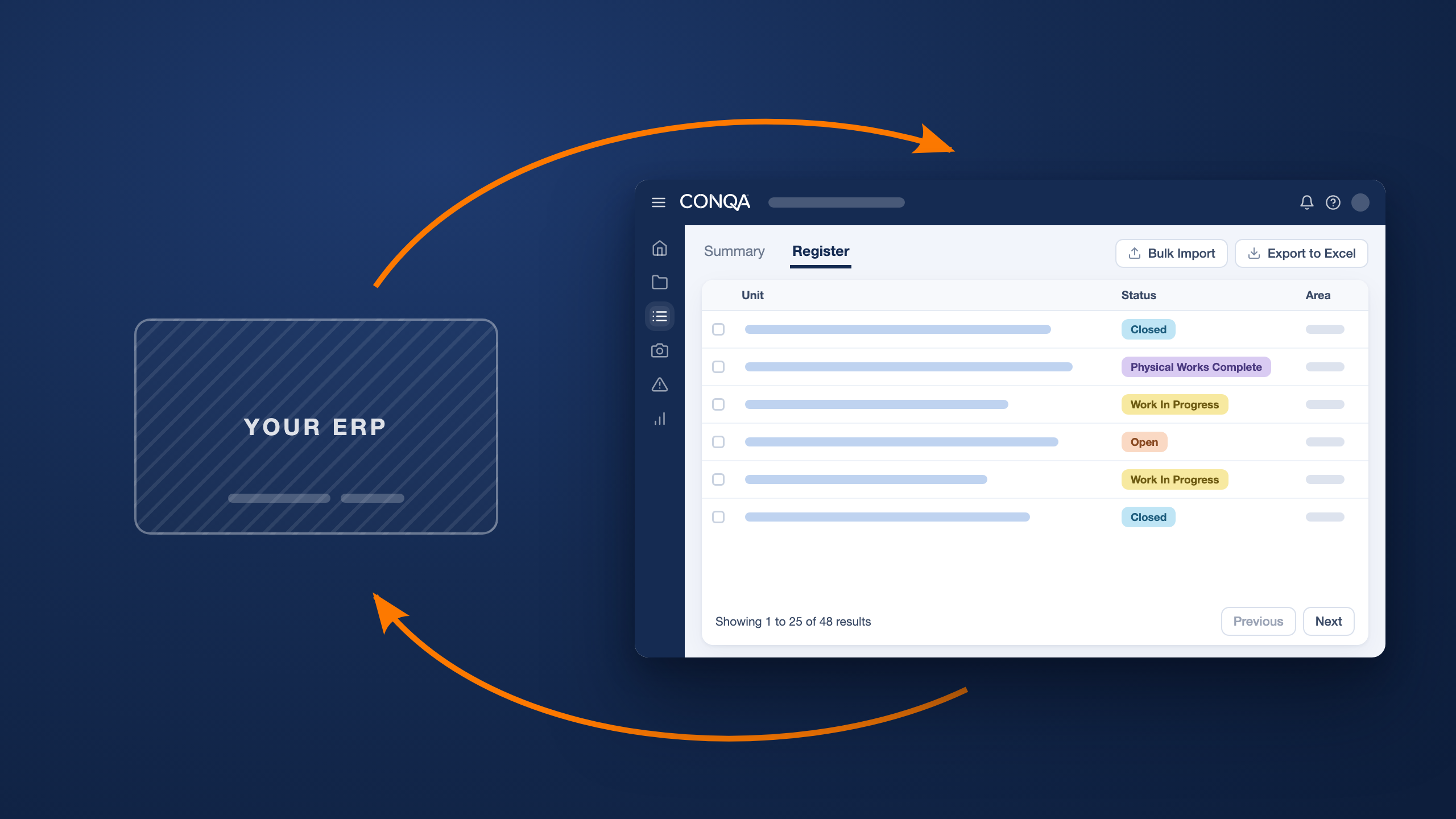
Close out the Issue in CONQA – the record lands in the systems your team already looks at.